


When security teams talk about attack surface, the conversation usually starts in familiar places. Servers, identity systems, VPN access, cloud workloads, maybe browsers. Those are visible. They show up in diagrams and asset inventories.
What gets less attention are the everyday tools people use to actually get work done.
PDF readers. Compression utilities. Remote access clients. Word processors. Spreadsheet tools. Email clients. Browsers. Screen sharing software. Update managers. The background software that quietly powers normal business activity.
Most organizations do not spend much time debating whether to deploy these. They are simply part of operating in a digital economy. Contracts arrive as PDFs. Finance works in spreadsheets. HR reviews resumes. IT supports users remotely. Executives live in email and browsers. These tools become part of the environment almost by default.
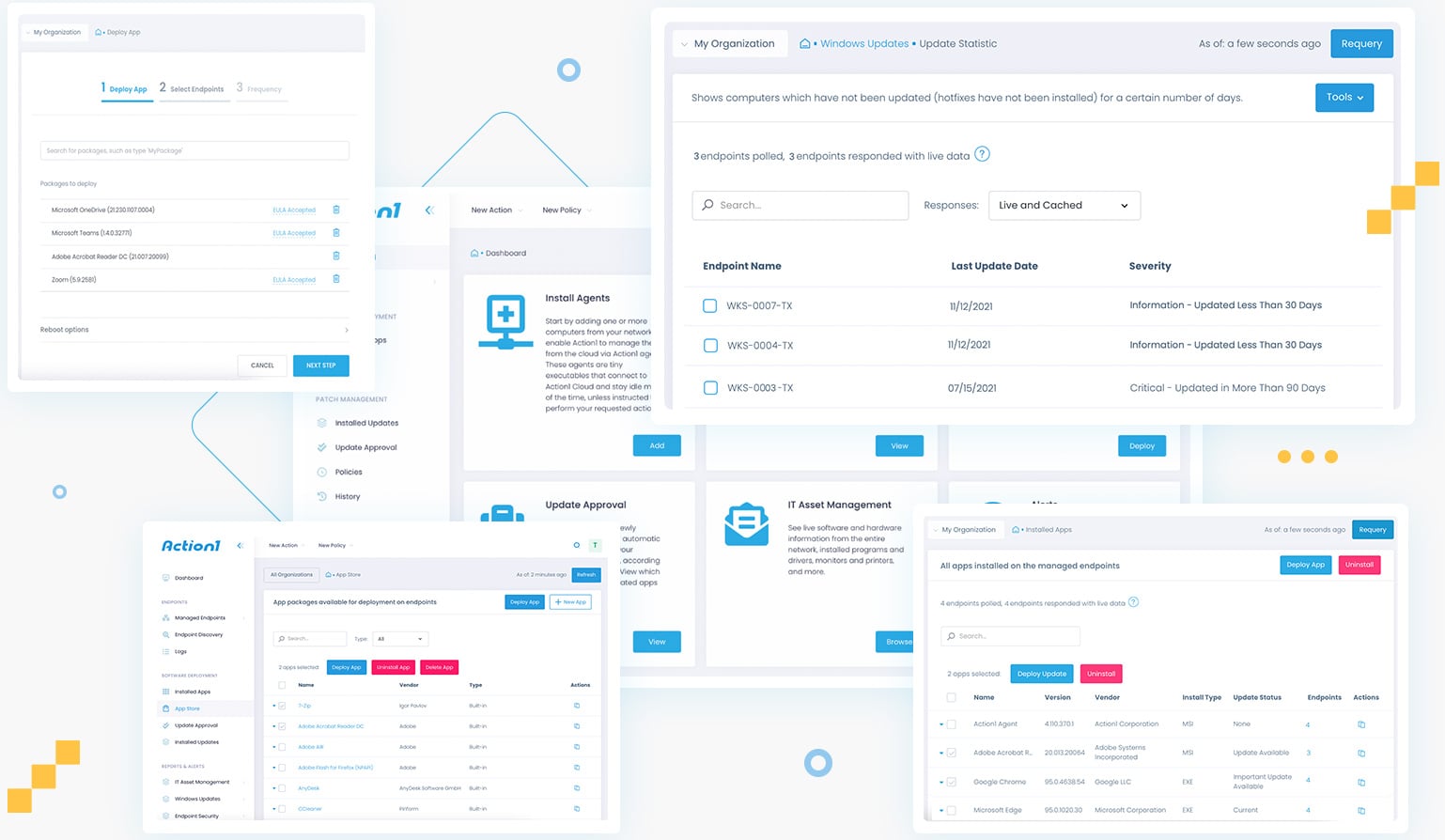
At Action1, where visibility into third-party software exposure across endpoints is a daily focus, these background tools consistently emerge as a defining part of the real-world attack surface.
That commonness is what makes them attractive targets from a threat actor’s perspective.
The value of being ordinary
From the outside, modern enterprises look different. Networks vary. Architectures change. Security stacks evolve. But, inside most environments, the same classes of applications appear again and again, and more often than not, the same software titles dominate the majority of installations.
It is difficult to function in modern business without an email client, document processing software, a browser, and tools for packaging, previewing, and sharing files. Using similar products is less about preference and more about compatibility.
Business depends on exchanging information in formats everyone else can use. Without those standards, we go back to the days of file-format wars, “I cannot open that, we use something else,” and lost time just trying to make data usable. That friction is why the industry standardized, and why the same major names still dominate.
Attackers pay attention to that.
Rather than predicting every custom application an organization might run, they look for overlap. If a vulnerability appears in a widely used PDF engine, spreadsheet parser, email preview component, or remote access utility, the chances it connects with something real are high. The exploit is aimed less at unique architecture and more at familiarity.
Most successful exploitation does not rely on exotic techniques. It relies on muscle memory. Users open PDFs, Word files, spreadsheets, and links all day long. Attackers are betting those actions feel routine enough that nobody hesitates.
That familiarity shapes how campaigns are built, and it should influence how defense strategies are planned.
Good thing Action1 does it for you, now on Linux too—alongside Windows, macOS, and third-party apps.
One platform. Zero infrastructure. Real-time visibility. Finally, patching that just works.
How probability shapes attacks
Many attacks historically looked like guesswork. An attacker might send a crafted email for Outlook, hoping the recipient uses Outlook. Or attach a weaponized spreadsheet, hoping Excel is present. Or send a malicious PDF, hoping the reader is vulnerable.
There is uncertainty in that approach. The exploit launches before the attacker truly knows what exists on the other end. This increases chances the attack will be detected before being effective, and it risks valuable exploit code to failure, where it may be detected, profiled, then henceforth scanned and detected.
What changes with common utilities is the probability curve.
Email clients, browsers, word processors, spreadsheets, PDF readers, and archive tools appear in most business environments because the work itself requires them. An attacker does not need perfect information to expect something compatible nearby.
Instead of treating exploitation as a one-off guess, attackers think in likelihood. They invest effort where overlap is largest. The more widespread the tool, the more attractive it becomes as an entry point.
That is why vulnerabilities in these utilities move quickly through exploit ecosystems. Once something works in a familiar toolchain, it scales. If one user relies on Outlook, Word, and Adobe, there is a good chance coworkers and business relations do as well for interoperability reasons.
The standard business footprint in practice
These tools also travel together.
If an email clearly originated from Outlook, it already hints at part of the environment. Email workflows connect to document workflows. If Outlook is present, Word and Excel are often nearby.
Each utility reinforces the presence of others.
For attackers, that enables paths rather than isolated exploits. An issue in an email client connects to attachment handling, preview engines, document renderers, shared libraries, and integrations that tend to coexist on the same system.
Instead of targeting a single application, the attack surface starts to resemble the business footprint itself, the collection of tools people rely on every day.
When vulnerabilities appear in that footprint, they attract more attention because they fit naturally into how people already work.
Quiet signals and small leaks
Another part of the story is information people do not realize they share.
Documents often contain metadata. PDFs reference the engine that produced them. Spreadsheets carry formatting behavior tied to specific suites. Email headers expose client details. Browser traffic advertises user agents. File structures reveal habits and versions.
A single attachment, email, or shared document can quietly describe parts of the software stack behind it.
In isolation it does not look sensitive. Often it is not even visible. Over time it builds a picture of what tools are common, what standards they follow, and how files are processed.
What created it, what version, how recently, so when old software details show in current workflows, the software processing it is old. And old software often means years of exploit potential bottled up in one package. That is often what turns speculation into precision.
Those breadcrumbs help attackers shape payloads that align with what exists on the other side, increasing effectiveness while reducing noisy experimentation.
Why third-party software drifts
Most enterprises put real effort into operating system patching. Update pipelines are understood. Browsers update often. Mobile devices follow management policies. Systems start with baselines and are monitored.
Third-party utilities live differently.
Vendors ship different installers. Some auto-update. Some rely on users. Some get disabled by packaging systems. Some stay frozen because workflows depend on a version.
Over time, multiple builds of the same tool spread across endpoints. Some become stale. Some live for years with known vulnerabilities simply because they fell off the radar.
In Action1’s analysis of enterprise environments, it is common to find multiple versions of the same third-party application coexisting, some lagging years behind current security fixes. This fragmentation quietly accumulates exploit potential without triggering obvious alerts.
From a security view, that drift matters because attackers do not need new exploits. They benefit from whatever version still exists somewhere in the footprint. A five-year-old PDF reader quietly carries five years of cumulative exploit potential.
What feels like small technical debt widens the opportunity window for major exploitation.
Trust and everyday behavior
There is also a human side to these tools.
Email, documents, browsers, and archives feel like infrastructure. People trust them like desks and keyboards. Opening a PDF does not feel like running code. Previewing an email does not feel like execution. Extracting a file feels routine.
By the time behavior looks unusual, the initial interaction already happened in a place people rarely question. These actions occur thousands of times a day, which makes tracing a compromise back to a document, email, or user extremely difficult.
Looking at the footprint, not just the platform
For leadership teams, the value here is perspective, not fear.
Security strategies often start with the platform layer, operating systems, networks, identity, cloud infrastructure. Those matter, but they do not tell the full story of how work actually happens.
Work happens in email clients, spreadsheets, PDFs, browsers, archive tools, and remote sessions. That is where files open, previews render, links get clicked, and data moves between people.
That makes them predictable.
That is why third-party patching often carries more risk weight than expected. The operating system may be tightly managed, while the tools on top quietly define real exposure.
Looking at the footprint is less about assuming weakness and more about understanding where everyday work intersects with real security concerns.
A quieter way to think about patching
Third-party patching often feels operational rather than strategic. Yet these utilities sit at the intersection of people, files, and execution.
They are ordinary, and that is exactly why they matter.
Not because every organization looks the same, but because they look similar enough that attackers design around that similarity.
When teams examine environments, the focus is usually infrastructure. There is also value in asking what the standard business suite looks like across endpoints, how it evolves, and how consistently it stays current.
Which tools are actually needed? Which are simply part of a default deploy? Which stay installed even when unused? Which stop getting updated because nobody notices them?
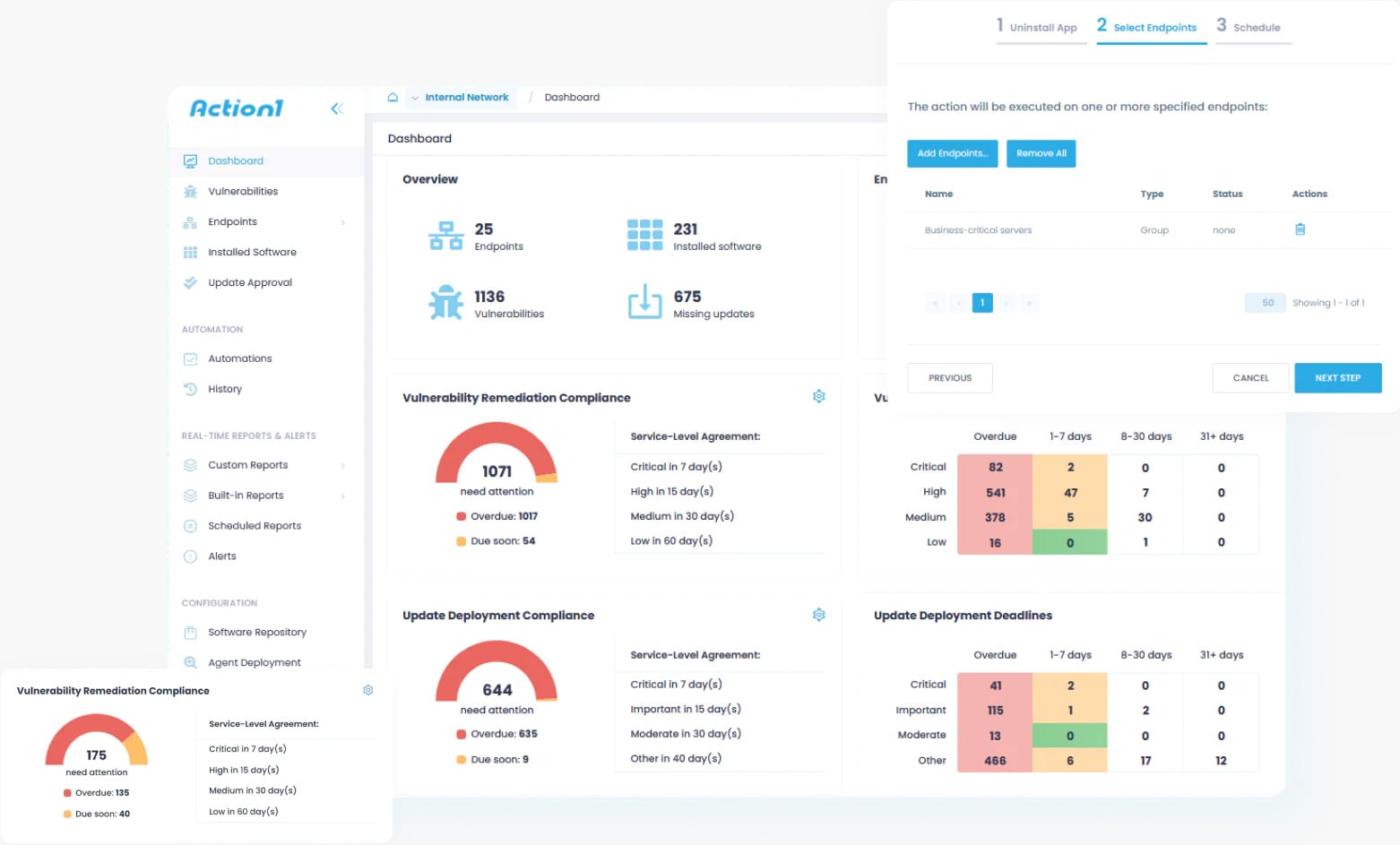
This is why, in practice, teams working with platforms like Action1 consistently see third-party patching deliver a greater reduction in real-world risk than many more visible security controls. Exploitation rarely hinges on a single overlooked vulnerability. It is enabled by years of accumulated drift across third-party applications that quietly fall out of date while remaining embedded in everyday workflows.
Those conditions exist long before an exploit is written or deployed. They shape the practical attack surface by defining which software actually executes, which files get opened, and which actions feel routine enough to avoid scrutiny.
Third-party software is not adjacent to the platform — it is part of how the platform operates, and it is often where exposure concentrates when everything else appears well-managed.
Action1is a founder-led company, brought to you by the original minds behind Netwrix. At the time of this writing, it is one of the fastest-growing private software companies in the US because organizations are recognizing that OS and third-party patching can no longer be treated as a secondary task.
Addressing modern risk requires continuous visibility into third-party software and the ability to remediate vulnerable applications across endpoints quickly and consistently. When teams evaluate modern patch management solutions, Action1 increasingly represents the option designed around that reality.
Try Action1 for free and see how effective patch management can transform your team’s security posture.
Sponsored and written by Action1.