


Microsoft has released the KB5075039 Windows Recovery Environment update for Windows 10 to fix a long-standing issue that prevented some users from accessing the Recovery environment.
The Windows Recovery Environment (WinRE) is a minimal troubleshooting environment used to repair or restore the operating system after it fails to start, to diagnose crashes, or to remove malware.
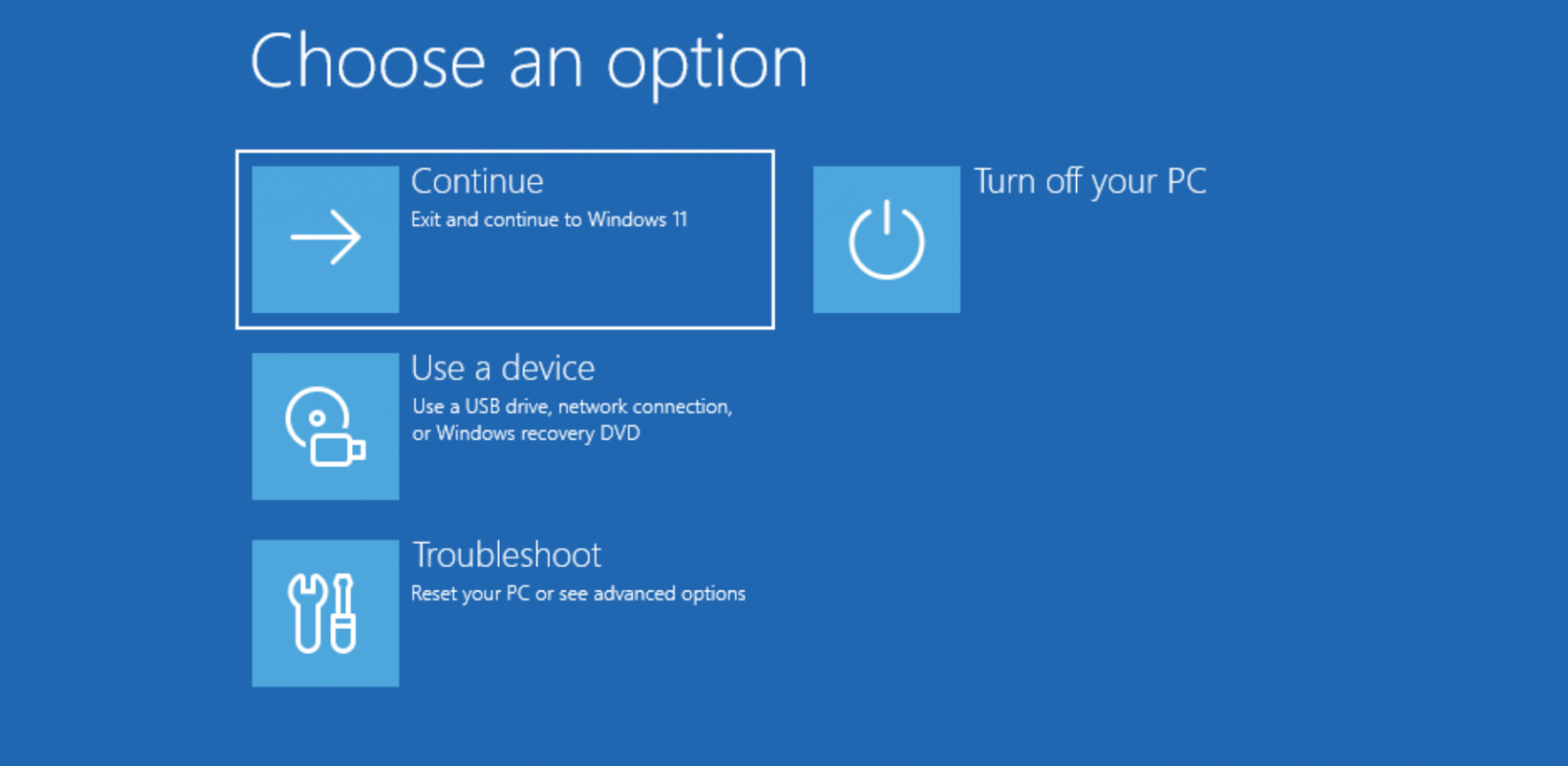
Source: BleepingComputer
In October 2025, Microsoft confirmed that the KB5066835 Patch Tuesday updates broke USB mouse and keyboard input when using the Windows 11 Recovery Environment, making it difficult for many to use the troubleshooting tool.
While they quickly rolled out a fix for this flaw, they didn’t disclose until February that the Windows 10 KB5068164 update released in October also broke WinRE.
“This update contains an issue that prevents the Windows Recovery Environment from starting successfully,” reads the February update to the change log.
Yesterday, Microsoft released the “KB5075039: Windows Recovery Environment update for Windows 10” to fix the WinRE issue introduced last year.
“[Windows Recovery Environment (WinRE)] Fixed: WinRE would not start after installing the October 14, 2025 update KB5068164,” reads the change log.
To install the update, your WinRE partition must be at least 256MB in size. If not, you will need to increase the partition size using these instructions.
Before resizing any partition, including the WinRE partition, it is always advisable to back up the data on the drive whose partitions are being resized.

Malware is getting smarter. The Red Report 2026 reveals how new threats use math to detect sandboxes and hide in plain sight.
Download our analysis of 1.1 million malicious samples to uncover the top 10 techniques and see if your security stack is blinded.